

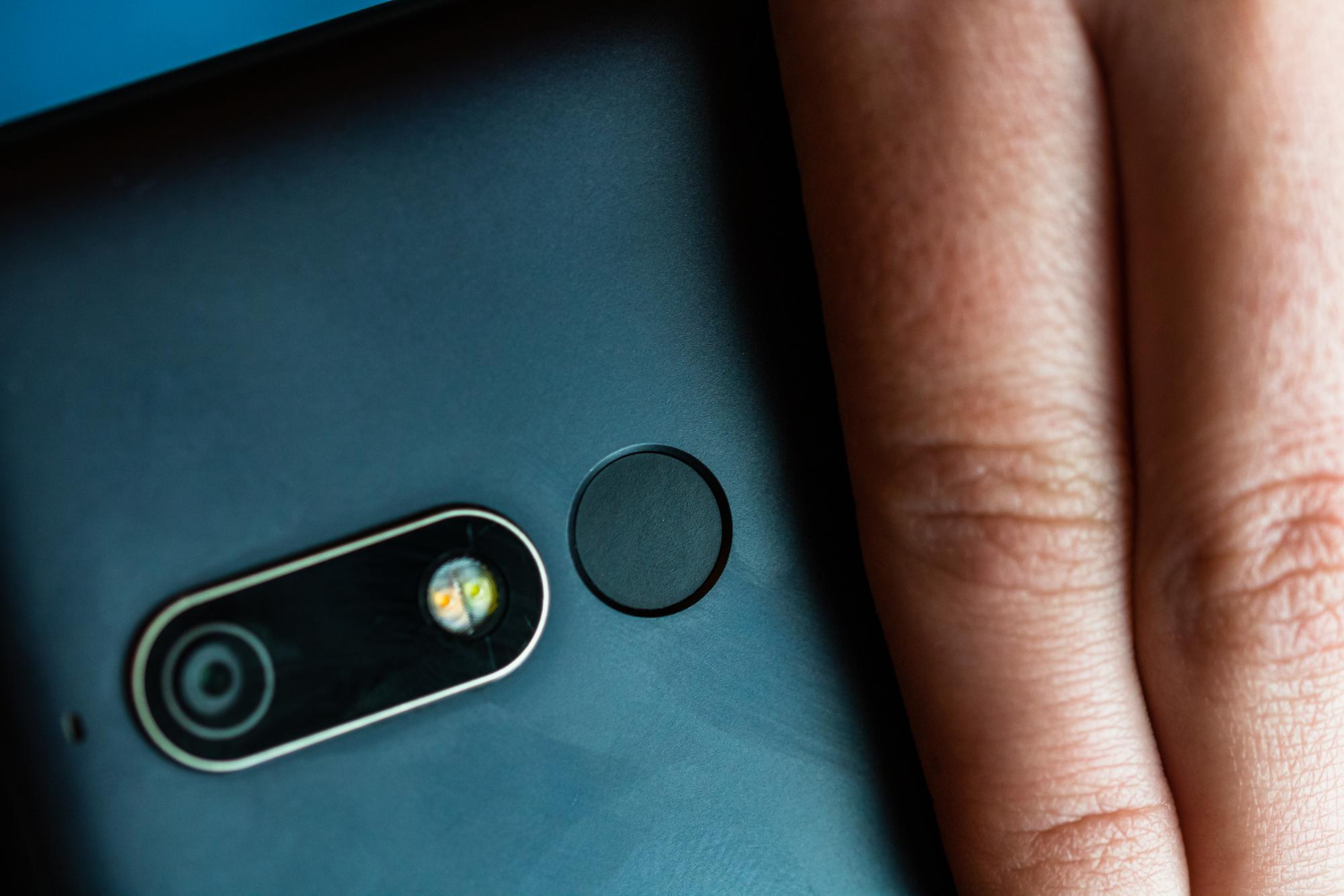
Magnetic mounts in 2026 are one of the best “quality of life” accessories, especially in cars and at desks, because they make your phone feel instantly accessible without fiddling with clamps. The downside is that magnets interact with the very features that make modern phones convenient: NFC payments, wireless charging alignment, and camera performance that depends on delicate stabilization hardware. When people run into issues, it’s usually not because magnets are inherently dangerous. It’s because of bad placement, cheap magnetic plates, thick cases that shift alignment, or a mount that forces the phone into an angle that stresses the camera bump. The lifehack is simple: choose a magnet setup that matches your phone’s design, keep NFC and charging coils in mind, and validate the setup with a quick test so you know you’re not breaking the features you rely on. If you do it right, you get a secure mount that doesn’t interfere with tap-to-pay, doesn’t make wireless charging inconsistent, and doesn’t add weird camera blur or rattling in videos.
Place magnets intelligently: avoid the NFC zone, respect the charging coil, and keep the camera bump stress-free

Where the magnet sits matters more than the magnet itself. Phones typically have a wireless charging coil centered in the back and an NFC antenna near the upper area, though exact placement varies by model. If you slap a large metal plate across the wrong spot, you can reduce NFC range or make wireless charging finicky because the coil can’t couple efficiently with the charger. The lifehack is choosing ring-style magnets or mounts designed to align with the charging coil rather than random plates. A centered ring generally plays nicer with wireless charging because it leaves the coil area predictable and improves alignment, while a big solid plate can block or distort the field. For NFC, the goal is not “never use magnets,” it’s “don’t put metal directly over the NFC antenna zone.” If you notice tap-to-pay becoming unreliable, move the magnet lower or switch to a thinner ring designed for your phone’s layout. Camera performance is a separate concern. Modern phone cameras often use optical stabilization that relies on tiny moving parts, and a strong magnet placed too close to the camera module can theoretically influence behavior in some edge cases, but the bigger real-world issue is mechanical: a mount that presses against the camera bump, causes rocking, or forces vibration can lead to shaky video and micro-blur. The safest placement keeps the magnet centered, avoids overlapping the camera bump, and uses a mount surface that doesn’t push directly on the lens area or make the phone sit unevenly.
Choose the right hardware: ring systems, cases, and mounts that don’t turn into a heat-and-slip problem
Not all magnetic mounts are created equal, and “stronger” is not always better if it comes with bulky metal that interferes with charging or creates awkward fit. The lifehack is prioritizing a clean geometry: a magnet ring that aligns with the phone’s coil, a case that keeps the ring flat, and a mount that holds the phone without flex. If you’re using a stick-on plate, thin is usually better than thick, and ring plates generally interfere less with charging than solid plates. For cars, pay attention to heat. A phone held near a windshield in direct sun will heat up, and if you’re also charging wirelessly, heat can climb quickly and trigger throttling. That doesn’t “break” the phone, but it can make charging slow and performance worse. A practical move is mounting the phone closer to an air vent or out of direct sunlight, and using a mount that allows airflow behind the phone instead of sealing it against a hot surface. Case thickness matters too. Thick cases and wallet-style attachments often shift the phone away from the charging pad, causing inconsistent charging and extra heat because the charger keeps trying to re-align power transfer. If you want wireless charging to remain reliable, keep the case reasonably thin and avoid stacking accessories between the phone and charger. Finally, consider stability under vibration. In a car, a mount that allows tiny movements can make your screen shake and can stress the camera during navigation or recording. A good mount holds firmly and uses a stable joint so the phone doesn’t gradually droop or bounce.
Run the quick “three checks” test: NFC payments, charging consistency, and camera stability in two minutes
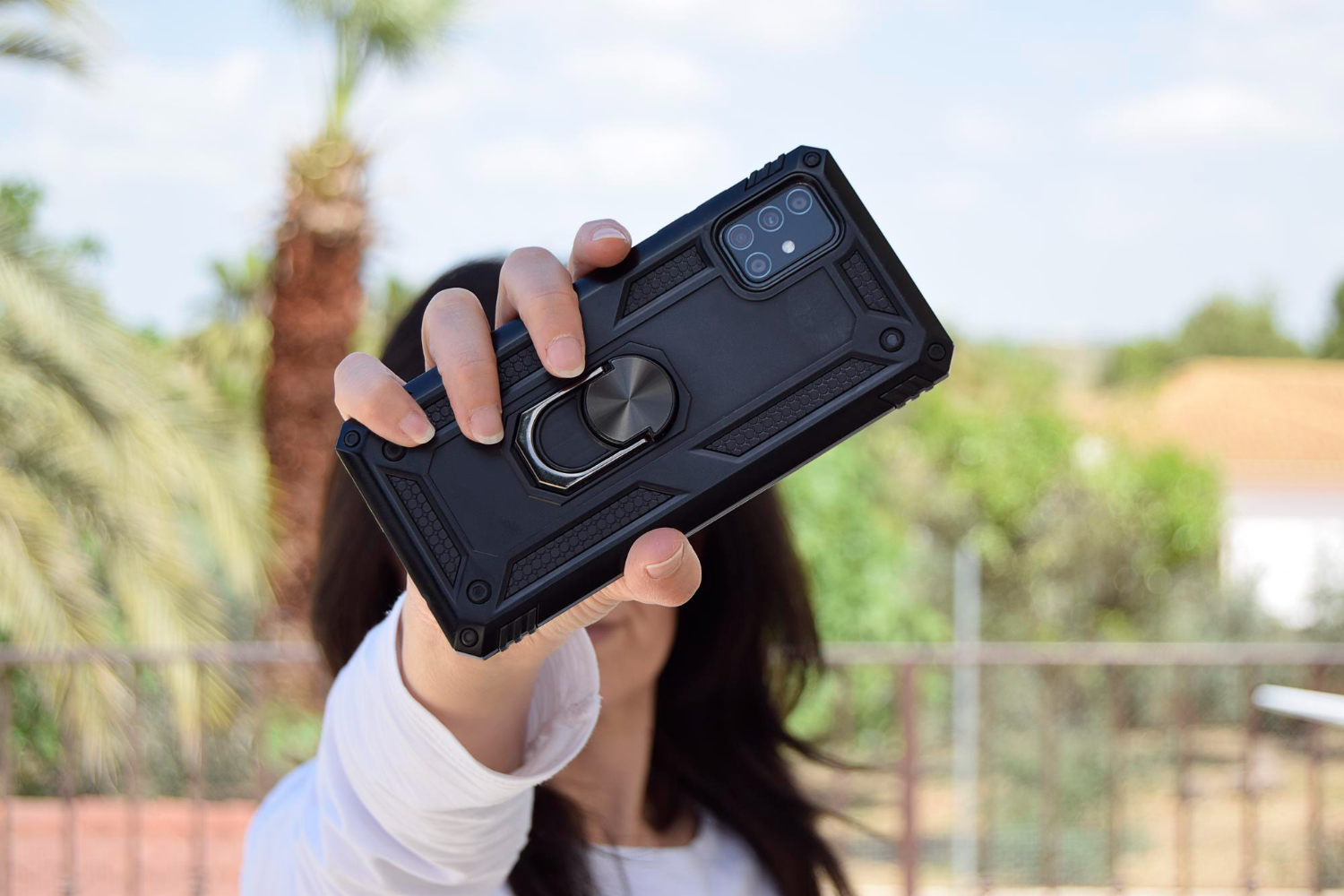
The best lifehack is validating your setup immediately so you don’t discover problems at the worst possible time. First, test NFC. You don’t need to buy anything or make a payment; you can simply try an NFC action you already use, such as tapping your phone near an NFC reader or testing a supported tag, and confirm it triggers instantly and reliably. If NFC becomes picky or requires you to tap harder or longer, your magnet placement is likely interfering, and moving the ring slightly lower or switching to a different plate style often fixes it. Second, test wireless charging. Place the phone on your usual charger, confirm it starts charging quickly, and watch for stability: does it stay charging when you pick it up and place it back down, and does it charge without repeatedly connecting and disconnecting? If it’s inconsistent, alignment and case thickness are the usual culprits, and a better-aligned ring or thinner case can solve it. Third, test the camera. Record a short video while holding the phone normally, then record another short clip with the phone mounted, and compare sharpness and jitter. If you see new micro-shake, blur, or rattling, the mount is either vibrating too much or pressing in a way that makes the phone unstable. Adjust the angle, ensure the phone sits flat, and avoid mounts that contact the camera bump. These tests are quick, but they turn the whole setup from “hope it works” into “I know it works,” which is the difference between a convenient accessory and a daily annoyance.